
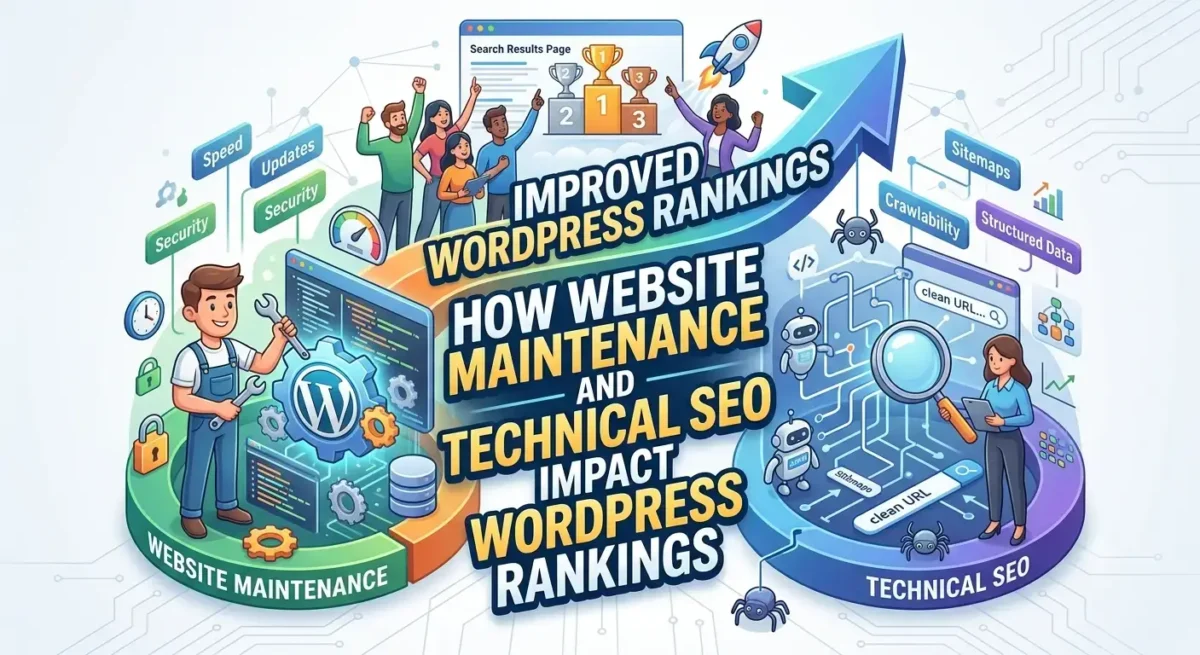


Website maintenance and SEO go hand in hand. A well-structured and maintained WordPress website is easier for search engines to crawl, index, and rank. This supports the website’s technical SEO health by keeping plugins updated, improving website performance, fixing bugs and errors, monitoring security, and ensuring essential SEO settings are working properly.
For WordPress websites, apart from content and backlinks, search visibility is also influenced by how fast, secure, and crawlable the website remains over time. When maintenance is overlooked, minor issues accumulate and can eventually become bigger problems that affect traffic and long-term organic performance.
Why Website Maintenance Matters for WordPress SEO
A common, and perhaps costly, misconception about SEO is that it is a one-time setup. Instead, it requires continuous optimization. A business may publish well-written blogs every month, but the website is slow, plugins conflict, and important pages are accidentally blocked from indexing. This results in the website failing to rank despite strong content quality. Hence, website maintenance and SEO must work in tandem to protect rankings and user experience.
One of the ranking factors for SERPs is a website’s speed, security, and reliability, which requires ongoing maintenance. This is especially important for WordPress websites because neglecting maintenance causes outdated plugins to break, site speed to drop, and security vulnerabilities to emerge. All of this results in penalties, poor user experience, and tanked search rankings.
Ongoing website maintenance and SEO work together by helping prevent:
- Slow page speed caused by outdated plugins or bloated scripts
- Security vulnerabilities that can lead to malware warnings or spam pages
- Broken internal links that disrupt user journeys and crawl paths
- Sitemap errors that stop search engines from discovering key pages
- Theme or plugin conflicts that affect mobile layouts
- Outdated SEO metadata, schema, or redirect settings
- Core Web Vitals issues that damage user experience
Technical SEO Issues That Website Maintenance Helps Prevent
Technical SEO maintenance focuses on keeping the website easy for search engines to access, understand, and rank. WordPress makes website management easier, but it also depends heavily on themes, plugins, databases, hosting, and configurations. If these are not managed properly, technical SEO problems can appear.
Crawlability and Indexation Problems
Crawlability means search engines can access and move through your website. Indexation means search engines can store and display your pages in search results. Both are essential for WordPress technical SEO, and both can be hindered without proper website maintenance.
Crawlability and Indexation problems can occur due to outdated plugins and theme conflicts. Outdated plugins can often break JavaScript execution, resulting in 404 errors and eventually, an abandonment by search engines.
Moreover, Googlebot depends on clean crawl paths to discover and evaluate content. If your XML sitemap contains outdated URLs, redirects, or broken pages, search engines may waste crawl resources on low-value pages instead of focusing on important service pages, products, and blogs.
This is why technical SEO maintenance should include regular checks of sitemap health, robots.txt rules, indexation status, canonical tags, and crawl errors.
Core Web Vitals and Website Performance
Website performance optimization is one of the most important parts of maintaining a WordPress website. A slow or unstable website creates a poor user experience and can affect how visitors interact with the site.
Core Web Vitals measure key parts of page experience, including loading speed, interactivity, and visual stability. Maintenance supports these signals by keeping the website lightweight, up to date, and technically stable.
Common maintenance actions that support performance include compressing images, removing unused plugins, updating themes, cleaning the database, checking caching settings, and reviewing third-party scripts.
Broken Links, Redirects, and Technical Errors
Neglected websites often accumulate broken links, redirect chains, missing pages, and technical errors. These issues can affect both users and search engines.
Broken links create dead ends. Redirect chains slow down page loading and make crawling less efficient. Poor internal linking can make important pages harder to find. Over time, these issues can weaken the overall structure of a WordPress website.
Technical SEO maintenance helps prevent these issues by regularly checking:
- 404 errors
- Redirect chains
- Internal link structure
- Broken outbound links
- Deleted or changed URLs
- Duplicate pages
- Orphan pages
- Plugin-generated URL issues
Many ranking drops are due to preventable technical issues. A redesign, plugin update, hosting migration, or content cleanup can all affect search visibility if technical SEO checks are not part of the maintenance process.
WordPress Maintenance Checklist for Long-Term Rankings
A WordPress maintenance checklist gives website owners and marketing teams a practical way to protect SEO performance over time. The goal is not to check everything every day. The goal is to create a routine that catches issues before they become ranking problems.
Weekly Maintenance Tasks
Weekly maintenance should focus on basic website health and functionality.
- Update plugins, themes, and WordPress core after confirming compatibility
- Check whether key pages load properly on desktop and mobile
- Review forms, buttons, menus, and checkout flows
- Monitor website uptime
- Check security alerts or suspicious activity
- Review recent backups
- Confirm that important pages have not broken after updates
Monthly SEO Maintenance Tasks
Monthly SEO maintenance should focus on performance, search visibility, and technical accuracy.
- Review Google Search Console for indexing errors
- Check XML sitemap status
- Test important URLs for crawlability
- Review Core Web Vitals and page speed reports
- Fix broken internal links
- Review redirects and 404 errors
- Check metadata on important pages
- Confirm that new pages are internally linked
- Update outdated content where needed
Quarterly Technical SEO Reviews
Quarterly reviews should go deeper and look at the website as a complete system.
- Run a full WordPress SEO audit
- Review site architecture and internal linking
- Check duplicate content and canonical tags
- Audit plugin usage and remove unnecessary tools
- Review mobile usability
- Analyze organic traffic trends
- Check schema markup
- Review page templates for speed and usability
- Test important conversion paths
- Review hosting performance and database health
A quarterly review is especially important for growing websites. As more pages, plugins, campaigns, and integrations are added, the technical structure becomes more complex. Regular audits help keep the website clean and search-friendly.
How WordPress SEO Experts Use Maintenance to Protect Rankings
Professional WordPress SEO experts use maintenance as part of long-term ranking protection. Basic maintenance keeps the site updated, but SEO-focused maintenance looks deeper into crawlability, indexing, website performance, technical errors, and search visibility trends. Digging deeper into How WordPress SEO Experts Improve Rankings Through Technical SEO, explains how technical SEO supports stronger WordPress performance over time.
A WordPress SEO expert does not only fix problems after rankings drop. They monitor the website regularly to detect issues early. This may include reviewing Google Search Console, analyzing crawl reports, checking Core Web Vitals, validating XML sitemaps, auditing redirects, reviewing internal links, and identifying pages that are losing visibility.
For example, a website owner may only notice that traffic is down. An SEO expert may identify that several high-value pages were affected by a template change that removed internal links or slowed mobile performance. That level of diagnosis requires technical SEO experience, not just routine updates.
WordPress technical SEO service providers also understand how WordPress plugins, page builders, hosting, caching tools, schema plugins, and SEO plugins interact. This matters because many SEO problems stem from conflicts between tools rather than from obvious content issues.
Professional maintenance also includes prioritization. Not every warning in an audit tool is urgent. SEO experts know which technical issues affect rankings, crawlability, user experience, and conversions the most. That helps businesses focus on fixes that actually matter.
Why Maintenance and Technical SEO Should Work Together
Website maintenance and SEO should work together because rankings depend on both ongoing stability and continuous optimization. Maintenance keeps the WordPress website secure, up to date, and functional, while technical SEO ensures the site remains crawlable, indexable, fast, and well-structured for search engines.
When these two areas are handled separately, important issues can be missed. A developer may update plugins without checking indexation. An SEO team may publish content without checking speed or internal links. The strongest results occur when website maintenance and technical SEO are treated as a single integrated process.
For long-term WordPress search visibility, businesses should not wait for traffic to drop before reviewing technical health. Regular maintenance helps prevent small issues from becoming expensive SEO problems.
FAQs
- Does website maintenance affect SEO rankings?
Yes, website maintenance can affect SEO rankings because it helps keep a website fast, secure, crawlable, and technically stable. Search engines need to access and understand your pages, and users need a smooth experience once they arrive.
- How often should a WordPress website be maintained?
A WordPress website should be maintained weekly for basic updates and monthly for SEO-related checks. Larger websites, e-commerce stores, and high-traffic business sites may need more frequent monitoring.
- What technical SEO issues can maintenance prevent?
Maintenance can prevent crawl errors, broken links, sitemap issues, redirect problems, slow-loading pages, plugin conflicts, and indexation mistakes. These issues can affect both search visibility and user experience.